

The Type CLI is now available to everyone, connecting your local Claude and Codex sessions and skills directly to Type. Slack got smarter with user group mentions and Sidekick in DMs, and skills picked up file uploads, ownership transfer, and a polish pass. Let us know what else you'd like to see us build.
Type CLI
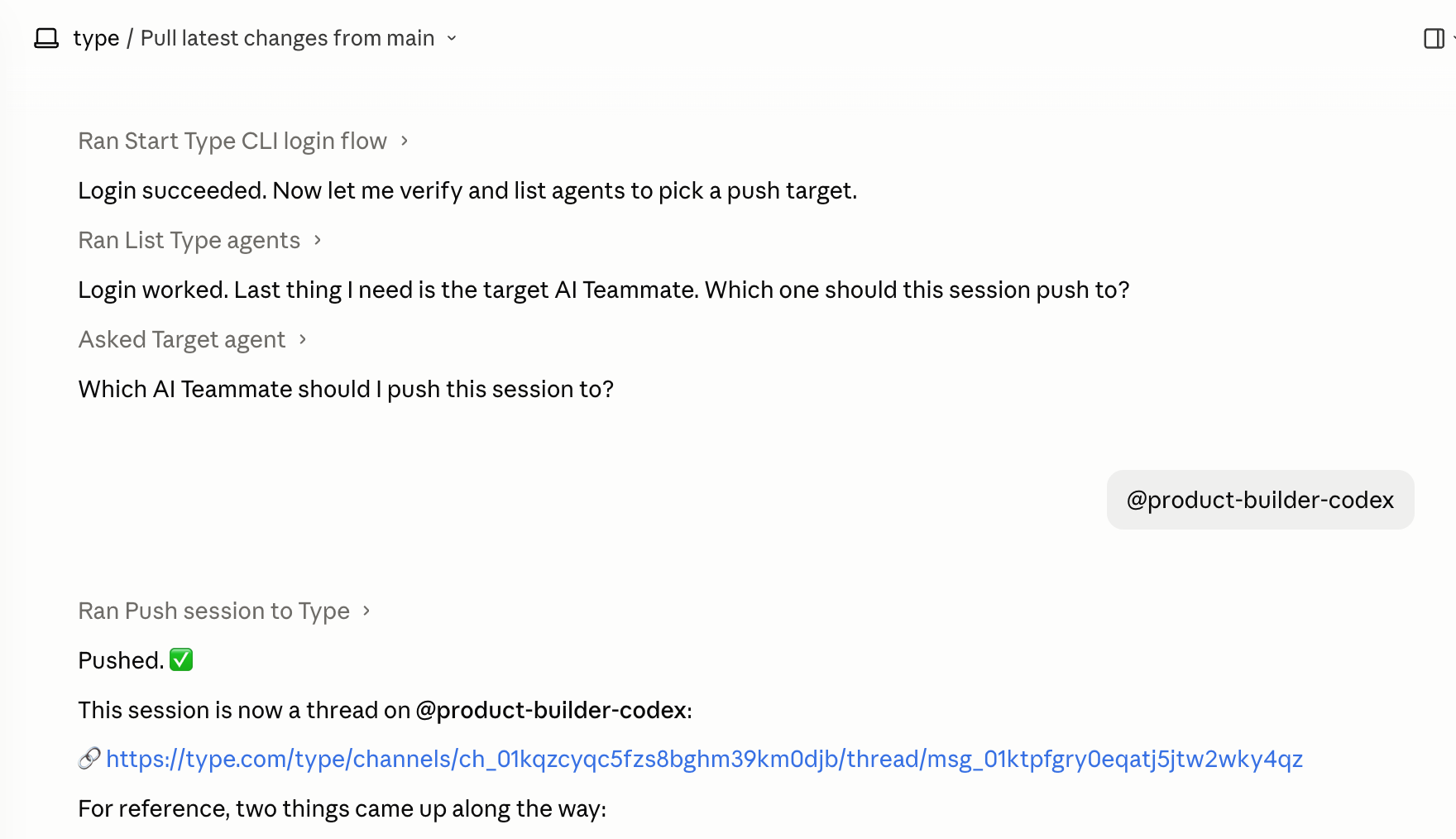
The Type CLI is now available to everyone. Download the Type Desktop app, then install the CLI in one click from Settings > Command line. Check out the CLI docs to get started.
-
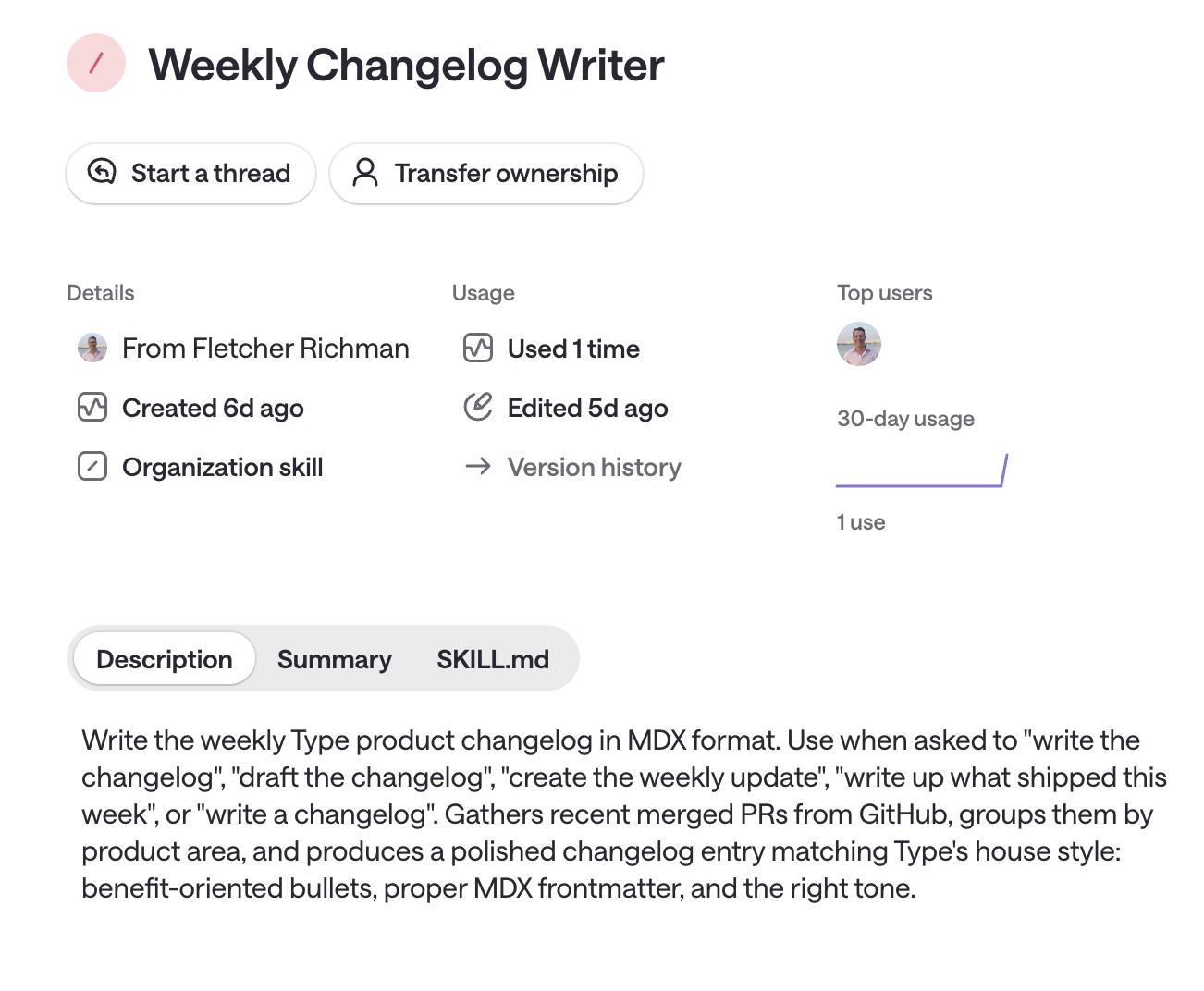
Push skills to your team: Take skills you’ve built on your computer and push them up so your whole team can use them via Type. No copy-pasting or rebuilding from scratch.
-
Bring local sessions into Type: Start in Claude, Codex, or another terminal tool, then push the session into a Space so your team can continue it together.
Slack Groups and DMs
To get these updates, head to Settings and reconnect your Slack integration.
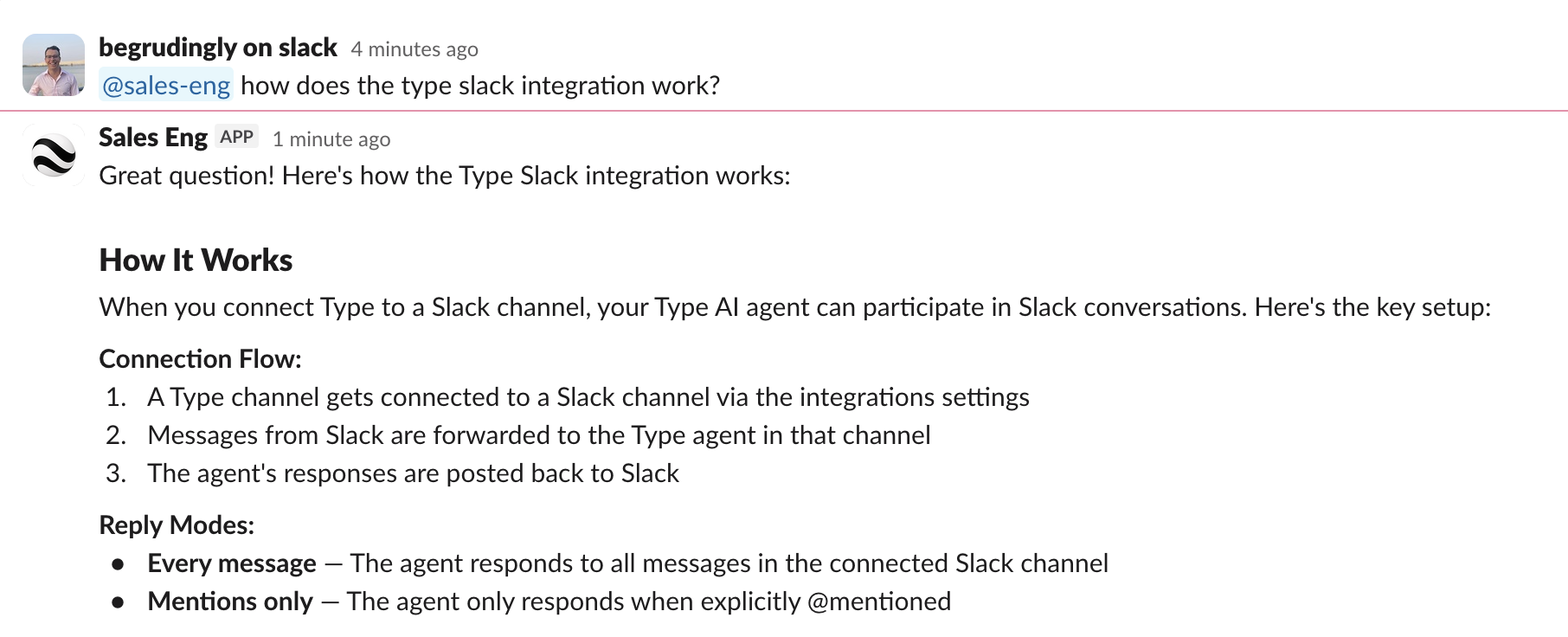
- Mention a Space via user groups: Use a Slack user group to route an @mention to AI in the right Space. No per-person routing is needed. User groups may need to be enabled for your organization first.
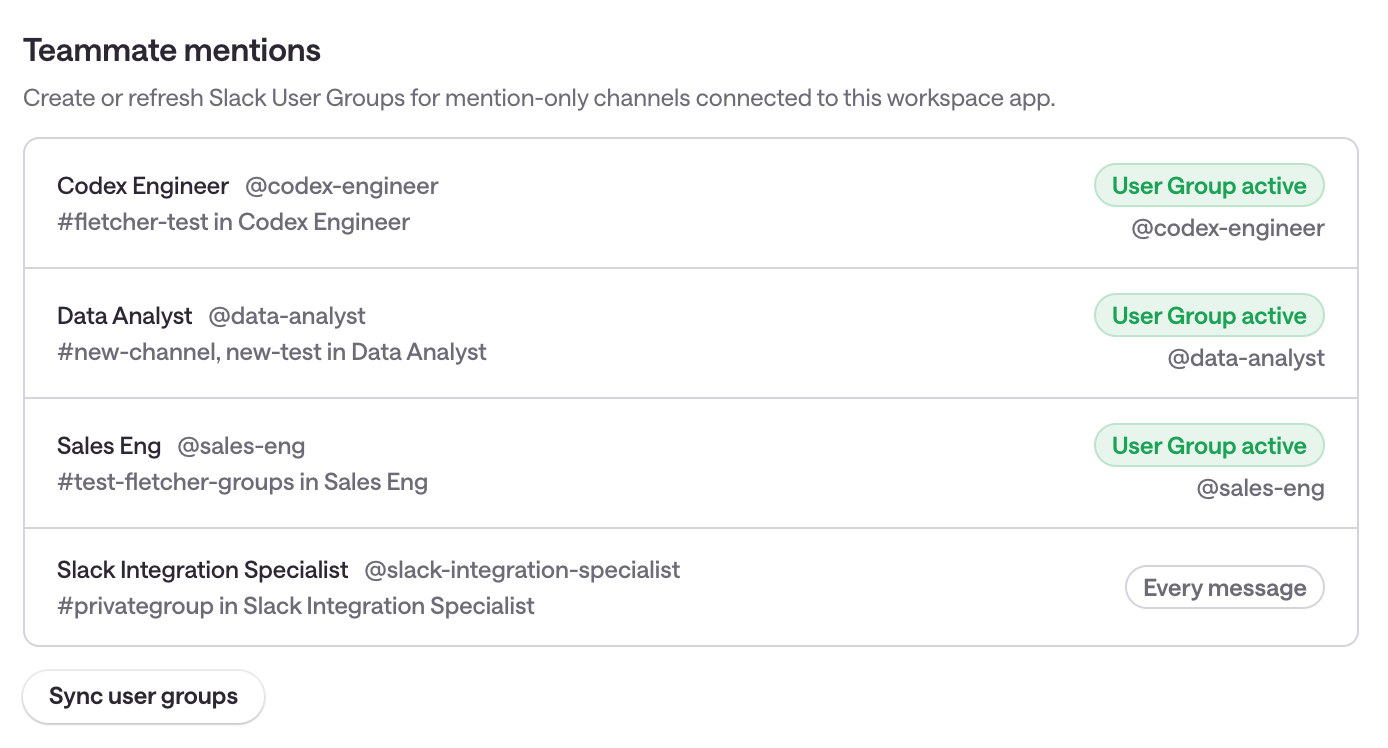
- Sync user groups from Slack settings: Use Sync user groups to create or refresh a handle for each connected Space. Your team can then mention that handle directly in Slack.
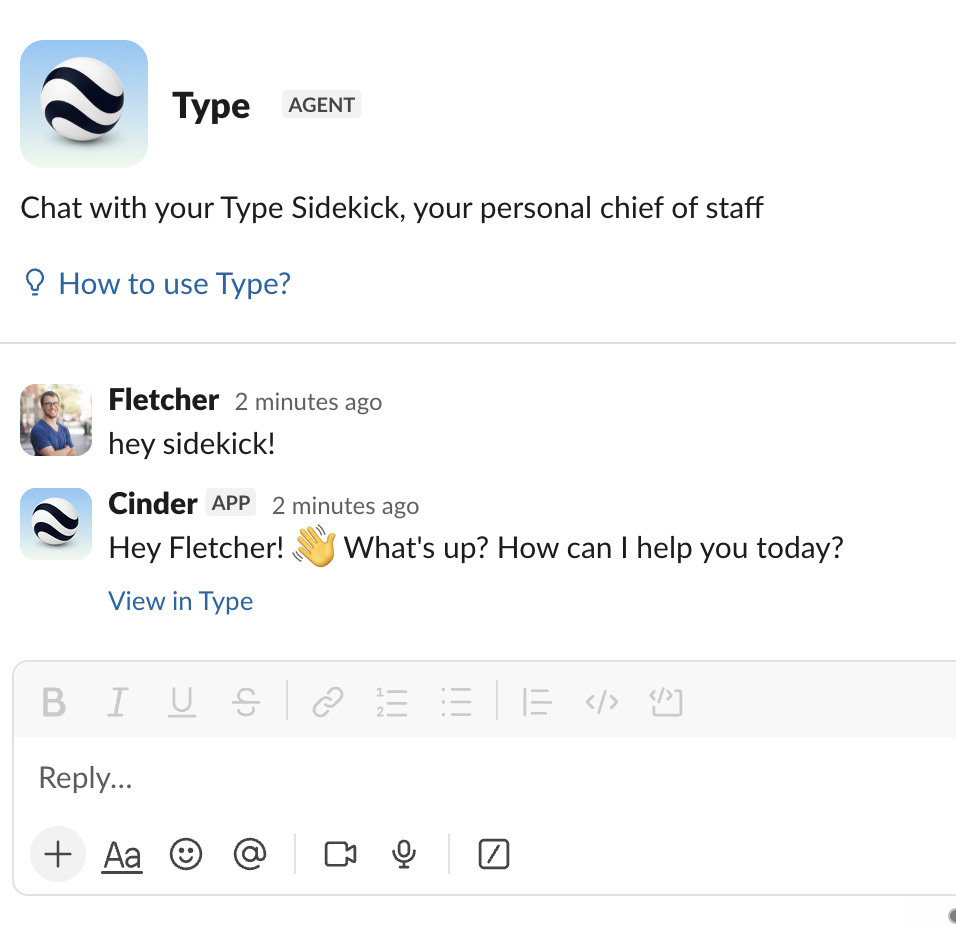
- Message your Sidekick in Slack DMs: Your personal Sidekick is now available as a native Slack Assistant. Open a DM with it directly inside Slack and it responds just like it does in Type, with full context, skills, and memory. Delegate mid-day tasks or get quick answers without switching apps.
Skills
-
Upload
.skillClaude files: Upload.skillfiles directly, using the same format as Claude Code and Claude Desktop. Publish a local skill to your Spaces without rebuilding it in the UI. -
Transfer skill ownership: Skill owners can now hand off a skill to another team member. Useful when someone changes roles or when a skill needs a new home as the org grows. Nothing goes orphaned.
-
Skills usage metrics: Each skill now shows a 30-day usage chart, top users, and run history. See at a glance which skills your team relies on most and who is using them.
Integrations & quality of life
-
Raindrop is now a native integration. Connect Raindrop from Settings and your agent can start reading and managing your bookmarks immediately. No custom API setup needed.
-
OneDrive file uploads from agents. Agents that generate files, reports, exports, processed documents, can now upload them directly into your OneDrive. Previously, file tools only worked with files already inside Type.
-
Expanded Mermaid view. Mermaid diagrams now open in a full-screen view when you click them. Large flowcharts, sequence diagrams, and ER diagrams finally have room to breathe.
-
Smarter credits handling. When your Claude or Codex credits run out, Type now surfaces a one-click prompt to switch to Type-managed compute so work doesn’t get interrupted while you top up.
-
Integration polish. Deleting an integration now requires a confirmation step before it goes through. Native integrations that drop their connection surface a clear reconnect state so nothing fails silently.